Top Signs a Computer Needs Professional Repair
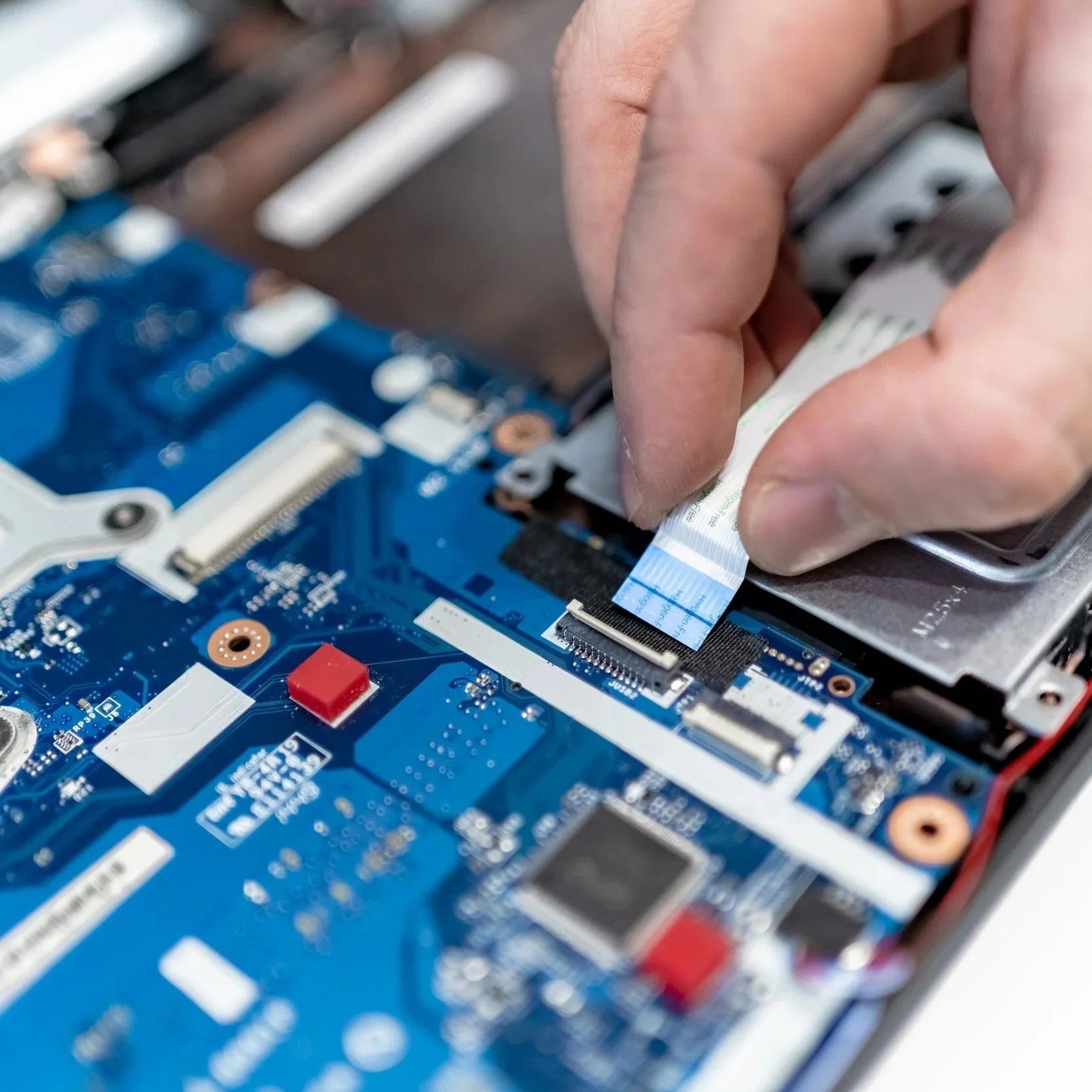
Recognizing these signs quickly can prevent further damage, save valuable data, and extend the life of the computer.
Computers have become essential tools for work, entertainment, and staying connected. When they start acting up, it can be both frustrating and disruptive. While some smaller concerns can be resolved with basic troubleshooting, sure signs indicate that it’s time to seek professional help. Recognizing these signs quickly can prevent further damage, save valuable data, and extend the life of the computer.
Slow Performance and Frequent Freezing
A noticeable slowdown in performance is one of the first indicators that something may be wrong. Programs take longer to open, files load sluggishly, and the system may freeze or crash unexpectedly. While these symptoms can sometimes be fixed by clearing temporary files or uninstalling unnecessary programs, persistent slowdowns often point to deeper issues like failing hardware, malware infections, or corrupted system files. Professional technicians can diagnose the cause and perform necessary repairs to restore the computer’s speed and reliability.
Unusual Noises from the Hardware
Computers are designed to operate quietly, with minimal noise from fans or hard drives. Strange sounds, such as clicking, grinding, or buzzing, often signal hardware problems. A clicking noise, for example, might indicate a failing hard drive, while loud fans could suggest overheating issues. Ignoring these sounds can lead to more severe consequences, including data loss or system failure. Professional repair services can identify the source of the noise, replace faulty components, and prevent further damage.
Overheating and Unexpected Shutdowns
Overheating is a common concern that can cause a computer to shut down unexpectedly. Dust buildup, failing fans, or poor ventilation can lead to excessive heat, damaging internal components over time. While cleaning the fans and verifying proper airflow can help, persistent overheating requires professional attention. Technicians can clean internal components thoroughly, replace malfunctioning cooling systems, and apply new thermal paste to keep the computer running at safe temperatures.
Blue Screens and Error Messages
Frequent blue screens or error messages are clear signs that the computer is struggling with hardware or software issues. These errors can result from driver conflicts, failing memory, or corrupted system files. While restarting the computer might provide temporary relief, the underlying problem will persist without proper intervention. Professional diagnostics can pinpoint the precise cause of the errors, allowing technicians to repair or replace the faulty components and stabilize the system.
Difficulty Booting or Frequent Crashes
A computer that struggles to boot up or crashes frequently during operation often has serious underlying issues. Problems with the power supply, hard drive, or operating system can cause these symptoms. Attempting to fix boot issues without the proper tools and knowledge can lead to data loss or further complications. Professional repair services have the expertise to recover data, repair hardware, and reinstall or repair the operating system to get the computer back in working order.
Unresponsive Peripherals and Ports
When USB ports, keyboards, or other peripherals stop responding, it can be more than just an inconvenience. Faulty ports, driver issues, or internal hardware failures can cause peripherals to malfunction. While basic troubleshooting, such as updating drivers or checking connections, can help, persistent issues often require professional diagnostics. Technicians can fix or replace damaged ports and address any underlying hardware problems.
Unusual Pop-Ups and Suspicious Activity
Frequent pop-ups, unexpected software installations, or strange behavior like files disappearing can indicate malware or virus infections. While antivirus software can handle some threats, more complex infections require professional removal to prevent data theft or further damage. Repair services can thoroughly scan and clean the system, verifying that all malicious software is removed and restoring the computer’s security and functionality.
Software Glitches and Compatibility Issues
Applications that crash frequently, fail to open, or display error messages may suffer from software conflicts or corrupted files. While reinstalling the software might resolve some issues, persistent glitches often point to deeper problems with the operating system or hardware compatibility. Professional repair technicians can identify and resolve software conflicts, update drivers, and repair system files to restore smooth operation.
The Benefits of Professional Repairs
Professional repair services offer more than just technical fixes. Certified technicians use specialized tools and high-quality replacement parts to maintain the computer’s integrity and performance. Repairs often come with warranties, offering peace of mind and protection against future issues. Comprehensive diagnostics help identify hidden problems, verifying that the computer runs smoothly and efficiently for the long term.
Final Thoughts
Recognizing the signs that a computer needs professional repair can save time, prevent data loss, and extend the device’s lifespan. From slow performance and overheating to strange noises and software glitches, addressing these issues promptly with expert care keeps computers running at their best. Professional repair services provide reliable solutions that restore functionality, protect valuable data, and enhance the overall user experience.